
This manual provides detailed instructions for using the GR-D50/D40/D30/D20 digital video camera.
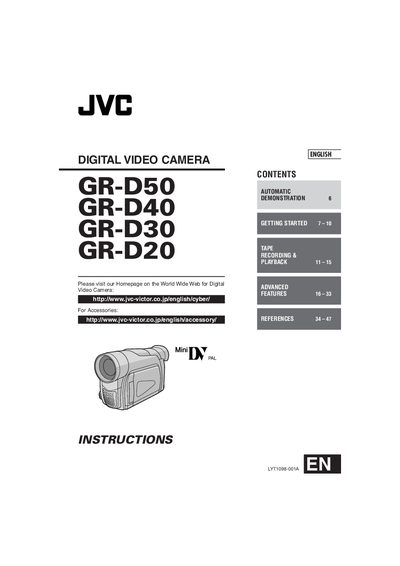
This manual begins with safety precautions, accessory information, and instructions for attaching the lens cap, core filter, and battery pack. It also covers charging procedures, battery specifications, and power‑adapter usage, including voltage selection and temperature guidelines.
The guide then details camera operation: getting started, tape recording and playback, menu adjustments, remote‑control functions, demo mode, and troubleshooting. A specifications section lists battery charging times, recording durations, and AC adapter voltage range, followed by an index for quick reference.
| Charging time (BN‑V408U battery pack) | approx. 1 hr 30 min |
|---|---|
| Recording time (BN‑V408U, LCD monitor on) | 1 hr 10 min |
| AC adapter voltage range | 110 V – 240 V (auto‑selection) |
Align the arrow on the cap upward, press the cap onto the lens until it is flush with the camera body.