
This manual introduces the functions and usage methods of JVC HD-52G456 HD-55G466 HD-55G456 HD-61Z456 projection television.
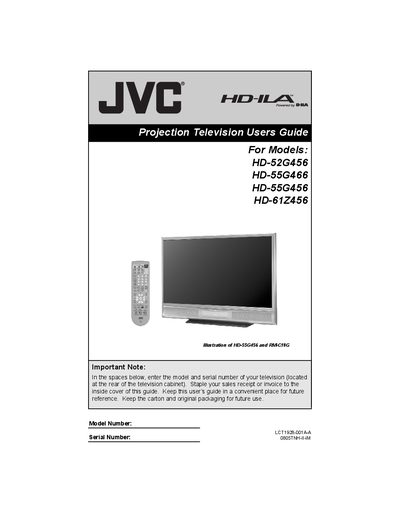
This guide covers important safety precautions, proper installation, and handling of the JVC projection televisions. It explains how to unpack, connect power, avoid moisture, and keep ventilation clear, as well as how to safely clean the cabinet and screen.
The manual also details everyday operation, including lamp warm‑up and cooling cycles, remote‑control functions, auto‑tuner setup, picture and sound adjustments, and lamp replacement procedures. Follow the step‑by‑step instructions to get the best picture quality and ensure long‑term reliability of your TV.
| Lamp warm‑up time | approximately 1 minute |
|---|---|
| Cooling time after power off | approximately 90 seconds |
| Lamp type | user‑replaceable consumable item |
| Power connection recommendation | connect directly to wall socket, avoid extension cords |
The lamp warms up in about one minute before the picture reaches full brightness.
Unplug the TV, then gently wipe the screen with a soft cloth slightly dampened with water or mild detergent.
No, opening the rear cabinet violates copyright and is not allowed.
Wait until the cooling process finishes (about 90 seconds) before removing the plug.