
This is a user manual for KD-G531
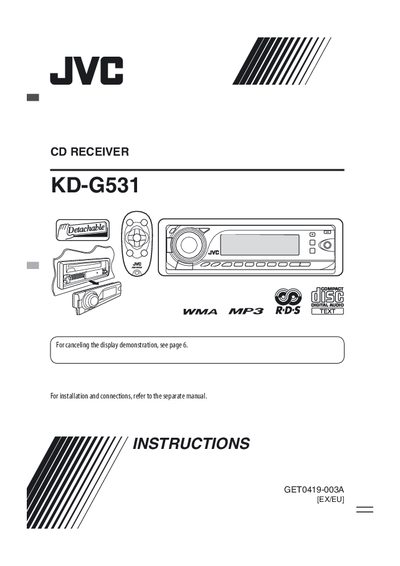
This manual covers safety warnings for the Class 1 laser CD receiver, installation notes, and detailed descriptions of the control panel, remote controller, and all buttons and indicators. It explains basic operations such as power on/off, volume adjustment, source selection, and how to use the steering‑wheel remote function.
Further sections describe radio tuning (FM, AM, DAB), FM RDS features, disc and CD‑changer operation, sound‑adjustment settings, iPod/D‑player integration, and troubleshooting steps. The specifications section lists audio output, frequency ranges, power requirements, and dimensions of the unit.
| Frequency Response (Audio Amplifier) | 40 Hz to 20 kHz |
|---|---|
| Dynamic Range | 96 dB |
| Signal‑to‑Noise Ratio | 98 dB |
| FM Frequency Range | 87.5 MHz to 108.0 MHz |
| AM Frequency Range | 522 kHz to 1620 kHz |
Refer to the troubleshooting section and follow the instructions on the reset page to reset the unit.
Use the VOL – and VOL + buttons to decrease or increase the volume.
Select “CLOCK H” to adjust the hour, then “CLOCK M” for minutes, and choose 24 H/12 H format as needed.