
This manual introduces the functions and usage methods of JVC HD-70G886, HD-61Z886 and HD-61Z786 projection televisions.
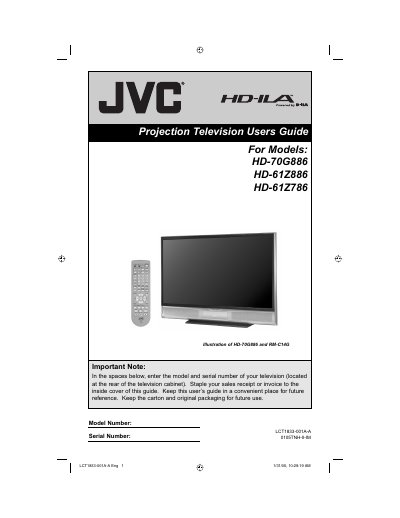
This guide covers important safety precautions, unpacking, installation, remote‑control usage, and step‑by‑step instructions for connecting devices, adjusting picture and sound settings, and using on‑screen menus. It also explains lamp warm‑up, cooling cycles, and lamp replacement procedures.
Technical specifications are listed, including screen size, power consumption, lamp type, audio output, and available input connectors such as HDMI, Digital‑In, and component video. Warranty information and troubleshooting tips are provided at the end of the manual.
| Screen Size | 61 inch (155 cm) diagonal, 16:9 ratio |
|---|---|
| Lamp Type | High‑Pressure Mercury Lamp |
| Speakers | Two 10 cm round speakers |
| Audio Output | Full‑range 10 W + 10 W |
It takes approximately one minute for the lamp to warm up to its normal operating temperature.
Unplug the television, then gently wipe the screen with a soft cloth slightly moistened with water.
Cooling is performed for approximately 90 seconds before the power is fully removed.
Yes, the lamp is a user‑replaceable consumable item and must be recycled after removal.