
This is a basic user guide for the JVC EVERIO camcorder, which contains information on connecting, using and maintaining the device
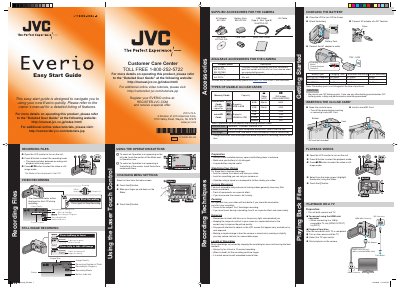
The guide walks you through the basic operation of the Everio camcorder, including turning the unit on, selecting recording modes, focusing, and using the LCD display. It also details the supplied accessories such as the AC adapter, battery pack, USB and AV cables, and explains how to change menu settings and use the operation buttons.
Additional sections cover media management (supported microSD cards, battery charging, and backup), playback options on the camera, TV, and computer, and software features like Everio MediaBrowser for creating AVCHD discs, uploading to YouTube, and working with iMovie/iPhoto on Mac. Safety notes and troubleshooting tips are also included.
| Battery model BN‑VG114U charging time | 2 hr 30 min |
|---|---|
| Battery model BN‑VG121U charging time | 3 hr 30 min |
| Battery model BN‑VG138U charging time | 6 hr 10 min |
| Supported microSDHC video cards | Video Class 4 or higher, 4 GB‑8 GB |
| Supported microSD still‑image cards | 256 MB‑2 GB |
| Maximum video resolution | 1920 × 1080 (FINE) |
| Power input voltage | 110 V – 240 V |