
This document is the SIMATIC HMI WinCC V6 Getting Started Manual, which introduces the preparation and installation of WinCC projects, displaying process values, configuring the alarm system, outputting an alarm message sequence report, and outputting a tag logging runtime report.
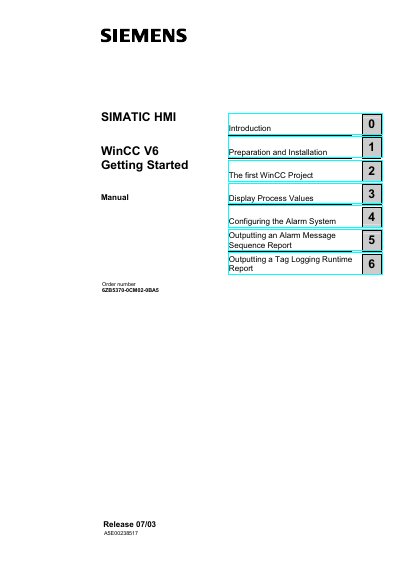
This manual introduces the SIMATIC HMI WinCC V6 software, covering preparation, installation, and the creation of a first single‑user project. It explains the required hardware and software prerequisites, including operating system, video resolution, and supporting services such as MS Message Queuing and SQL Server.
Subsequent chapters guide users through configuring graphics, tags, alarms, and reports, as well as generating runtime logs and tag‑logging reports. Detailed step‑by‑step instructions help operators set up the system, define runtime properties, and use the simulator for testing.
| CPU | Minimum Intel Pentium III 800 MHz, Recommended Intel Pentium 4 1400 MHz |
|---|---|
| Main Memory | Minimum 512 MB, Recommended 1 GB |
| Hard Disk Space | Installation: 700 MB minimum, Working: 1.5 GB recommended |
| Video Card Memory | Minimum 16 MB, Recommended 32 MB |
| Color Depth | Minimum 256 colors, Recommended True Color |
| Resolution | Minimum 800 × 600, Recommended 1024 × 768 |
WinCC V6 runs on Windows XP Professional or Windows 2000.
The MS Message Queuing Services and a Microsoft SQL Server 2000 instance named "WinCC" must be installed first.
A video card with at least 16 MB of memory is required, with 32 MB recommended.
WinCC V6.0 requires Microsoft Internet Explorer 6.0 Service Pack 1 or higher.