
Gigaset C590/C595 User Manual

Function keys on the handset
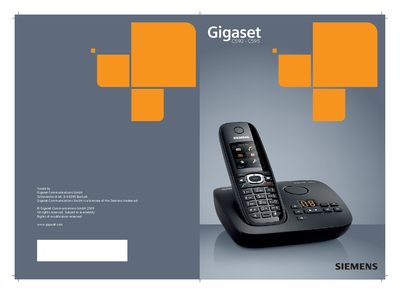

Gigaset C590/C595 User Manual - cover page
Brand
Siemens
Category
Cell Phones
Document type
User Manual
Language
English
Pages
89
File format
PDF
File size
2.4 MB
Published
04 May, 2012
Updated
30 September, 2023
MD5 checksum
9AF6E31A4F61B2CD9F8F7D402BF18C30

About this manual

This manual covers the Gigaset C590 and C595 DECT handsets and their base station. It explains the handset layout, base functions, safety precautions, and how to register handsets, use the answering machine, and manage calls, SMS, and network mailbox features.

Detailed sections guide you through first steps, configuring settings, using the answering machine, adjusting volume, handling SMS, and troubleshooting common issues, with safety warnings and warranty information included.

What's inside

  • Handset Overview
  • Base Overview
  • Safety Precautions
  • First Steps
  • Setting Up the Base
  • Using the Handset
  • Answering Machine
  • SMS Functions
  • Network Mailbox
  • Troubleshooting

Frequently asked questions

How do I register a handset to the base?

Press and hold the registration/paging key on the base to register handsets and DECT devices.

How can I mute the microphone?

Press the Mute key on the handset to mute the microphone.

What should I read before using the phone?

Read the safety precautions and the user guide before use.

Download PDF (2.4 MB)

More Siemens Manuals


View all Siemens manuals →