
This is the user manual of ASUS Eee PC, which mainly introduces the components of Eee PC and how to use Eee PC
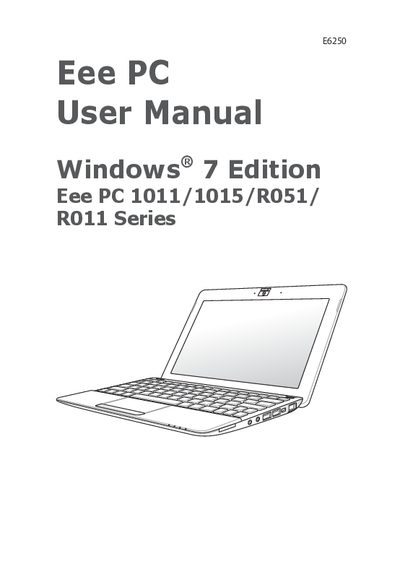
This manual covers safety precautions, battery handling, and transportation guidelines for the ASUS Eee PC series. It explains the proper operating temperature (5 °C to 35 °C) and disposal instructions for the device and its battery.
The guide walks users through hardware identification, powering on, first‑time startup, network configuration, and using built‑in utilities such as ASUS Update, BIOS updates, Bluetooth (on selected models), and the Super Hybrid Engine. It also details system recovery procedures, boot booster, and provides an appendix with legal and support information.