
The Eee Reader DR-900 is an e-reader with features such as a touch screen and Wi-Fi. Users can use this device to read e-books and news, as well as annotate, highlight, and bookmark them.
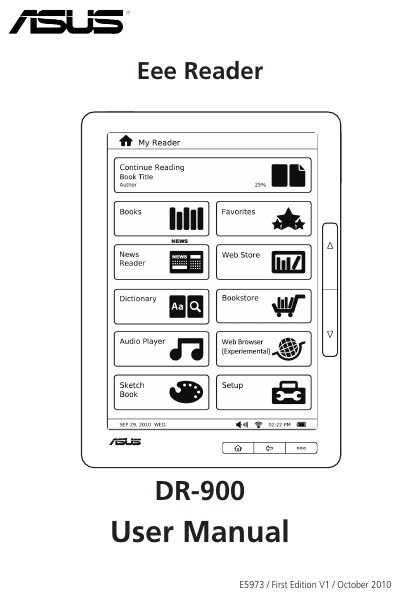
This manual covers safety guidelines, package contents, and quick‑start steps for the ASUS DR‑900 Eee Reader. It explains how to charge the device, turn it on or off, reset it, and install a microSD card for expanded storage.
The guide also details how to navigate the home screen, use touch gestures, read and annotate e‑books, connect to Wi‑Fi or 3G, download content, and manage accessories. Appendices include regulatory notices and contact information for ASUS support.
| Battery life | up to two weeks on a single charge |
|---|---|
| Memory expansion | microSD card slot |
| Audio output | two built‑in high quality stereo speakers |
| Charging / data port | micro‑USB port |
| Headphone jack | 3.5 mm earphone jack |
Long press the Power key for about three seconds.
Simultaneously press the Home, Function, and Power keys.
The device can run for up to two weeks on a single charge.