
This document provides the user manual for ASUS BM5642/MD200, BP5242/SD100, BM5242, and BM5342 series desktop computers. The manual includes information about the features and characteristics of the products, as well as instructions for use.
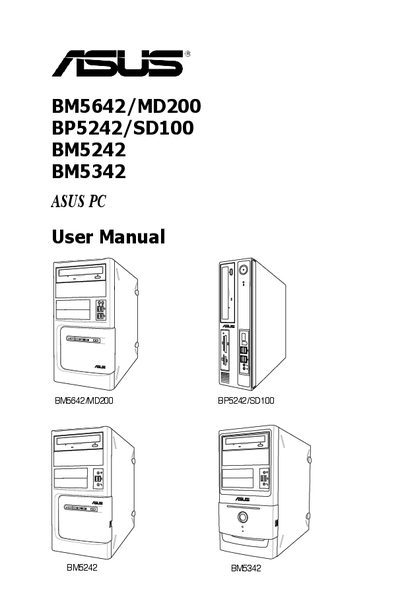
This manual covers the ASUS Desktop PC, describing system features, front and rear panel layouts, and how to connect peripherals. It guides users through installing the operating system, using the Support DVD, and recovering Windows XP, Vista, or 7.
Safety information includes electrical and operational precautions, recommended ambient temperature ranges, battery handling warnings, and instructions for dealing with a broken power supply. The recovery section explains step‑by‑step procedures for restoring the system from the recovery DVD.
| Recommended ambient temperature (BM5642/MD200, BM5242, BM5342) | 5°C ~ 40°C |
|---|
Do not try to fix it yourself; contact a qualified service technician or your retailer.