
ASUS LCD TV Monitor T1 Series User's Manual, this user manual introduces the features of ASUS T1 series LCD TV monitors, installation, use and troubleshooting information
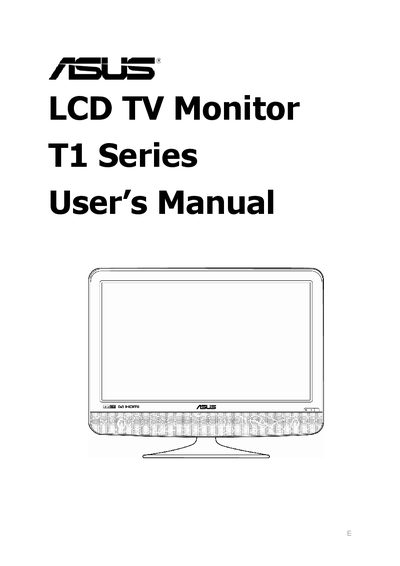
This manual explains how to safely set up and use the ASUS T1 Series LCD TV Monitor. It includes safety warnings, care and cleaning guidelines, and detailed assembly steps such as adjusting posture, connecting cables, and turning the display on.
The guide also covers operating features like the On‑Screen Display (OSD) menu, remote controller functions, Teletext, and Electronic Programme Guide (EPG). A troubleshooting (FAQ) section helps resolve common issues such as power problems, picture quality, and audio connectivity.
| FCC compliance | Class B digital device, Part 15 |
|---|---|
| Energy Star | Meets Energy Star guidelines for energy efficiency |
| Power source | 100‑240 V AC |
Press the power button again, ensure the power switch on the back of the display is on, and verify the power cord is properly connected.
Check that the audio cable is connected; for HDMI connections audio may not be transmitted, adjust the volume, and ensure the sound card driver is installed.
Check the signal cable for damage, then use the “Reset” function in the Picture item of the OSD menu.
Make sure the video signal cable is securely connected and use the “Auto Adjust” function for VGA input.