
This is a user manual for ASUS Eee PC 1008HA. The manual describes basic operations and common troubleshooting methods for Eee PC
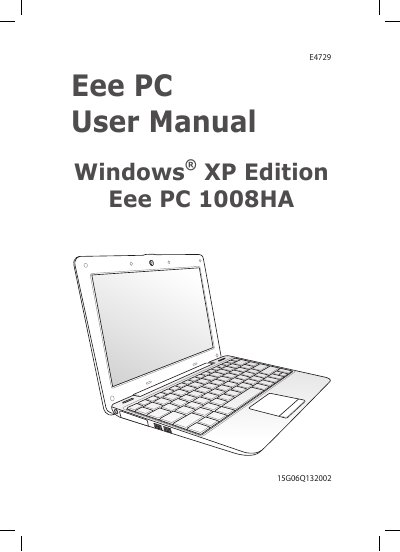
This manual covers safety and transportation precautions, battery charging, and airplane usage for the ASUS Eee PC 1008HAE4729. It explains how to identify the parts, power on the device, and configure Windows XP, network connections, and utilities such as the ASUS Update and BIOS update tools.
Additional sections describe the support DVD, system recovery procedures, and appendices with regulatory statements, battery handling warnings, and legal notices. The document is organized to help users safely set up, operate, and maintain their netbook.
| Battery full charge time | 8 hours or more |
|---|
Charge the battery for at least 8 hours before the first use to ensure maximum capacity.
You must contact the airline for permission; most airlines allow use only between takeoff and landing and restrict exposure to X‑ray and magnetic detectors.
Turn the device off, disconnect all peripherals, close the display panel, and place the netbook in a protective case.