
This document describes the features and characteristics of the TL-R480T+ Load Balance Broadband Router Rev: 4.0.0 1910010408.
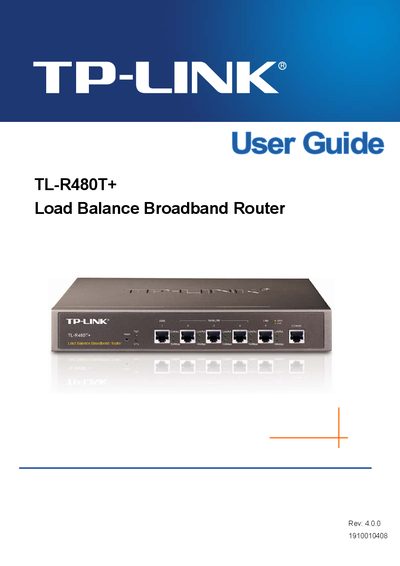
This manual introduces the TL‑R480T+ Load Balance Broadband Router, describing its key features such as three adjustable WAN/LAN ports, built‑in NAT/DHCP, firewall, VPN passthrough and traffic‑management capabilities. It is intended for small‑to‑medium enterprises and internet cafés that need reliable load‑balancing and fail‑over.
The guide covers hardware installation, quick start setup, detailed configuration of WAN, LAN, QoS, security, remote management, and includes appendices with specifications, lightning‑protection advice, a FAQ and a glossary of networking terms.
| Supported standards | IEEE 802.3, 802.3u, 802.3x |
|---|---|
| QoS support | IP address‑based QoS |
| Remote management | Web interface on port 88 (http://192.168.0.1:88) |
Open a web browser and go to http://192.168.0.1:88 (the router’s LAN IP address with port 88).
DDNS stands for Dynamic Domain Name System.