
TP-LINK TL-WA730RE 150Mbps Wireless Range Extender
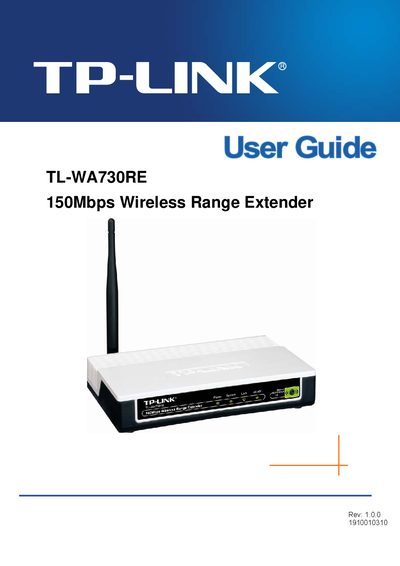
The TL‑WA730RE is a 150 Mbps wireless range extender designed for home and office use, extending Wi‑Fi coverage by rebroadcasting the existing network. The guide introduces the device, its front and rear panels, and the main features.
It covers hardware installation, quick setup, detailed configuration of wireless settings, security, MAC filtering, advanced options, DHCP, system tools, and includes troubleshooting, factory‑reset procedures, and a specifications appendix.
| Maximum data rate | 150 Mbps |
|---|
Try reorienting or relocating the receiving antenna, increase separation from other equipment, or connect the extender to a different circuit.
Select the "Factory Defaults" option in the system tools menu to reset all settings to their original values.