
TL-R402M Cable/DSL Router is a router from TP-LINK
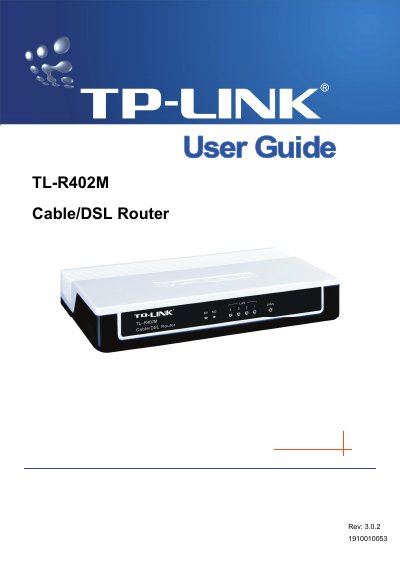
This guide introduces the TL-R402M Cable/DSL Router, a 4‑port 10/100 Mbps SOHO router with built‑in NAT, firewall, DHCP server and VPN pass‑through. It explains the router’s hardware layout, safety notices, and the required installation environment.
The manual covers quick installation, detailed TCP/IP and WAN/LAN configuration, DHCP settings, port forwarding, DMZ, MAC filtering, system tools, and includes a glossary of networking terms. Appendices provide a FAQ, PC configuration tips, and full technical specifications.
| Ports | 4‑port 10/100 Mbps switch |
|---|---|
| Operating Humidity | 10 %–90 % RH non‑condensing |
| Storage Humidity | 5 %–90 % RH non‑condensing |
Do not use the product near water, such as in a wet basement or near a swimming pool, and avoid using it during an electrical storm to reduce the risk of electric shock.
You can reorient or relocate the receiving antenna, increase the separation between the router and the receiver, or connect the router to a different circuit outlet.