
This document is a set-up guide for the Motorola DCT5100 High-Definition Cable Converter. It introduces the basic features of the DCT5100 and provides several options for integrating it into your home entertainment system.
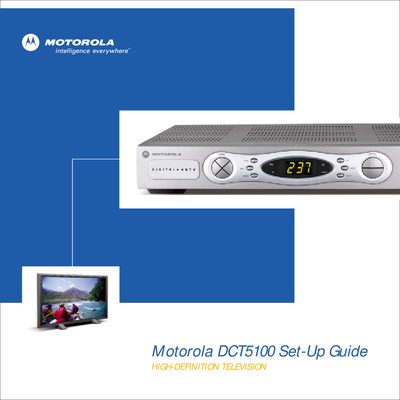
This guide introduces the Motorola DCT5100 digital HD decoder, covering safety requirements, box contents, and front‑panel controls. It explains the required 2‑inch ventilation clearance and describes each key and indicator on the front panel.
Detailed wiring diagrams show how to connect the DCT5100 to a high‑definition TV, audio system, VCR, or other components using coaxial, component video, RCA, SPDIF, and optical cables. The guide also includes picture‑optimisation settings and a troubleshooting section for common audio, video, and remote‑control issues.
| Front panel keys | 12 |
|---|---|
| Ventilation clearance | 2 inches on all sides |
| Included cable lengths | 6 ft coaxial, 6 ft stereo audio, 6 ft component video |
At least 2 inches of clearance on the top and all sides is required.
Use a 6‑foot coaxial cable for the CABLE IN connection and three‑pronged component video cables (Y, Pb, Pr) to the HDTV.