
This document is a user guide for the D C P 5 0 1 Home Theater System. It provides usage precautions and safety warnings, and describes the features and characteristics of the product.
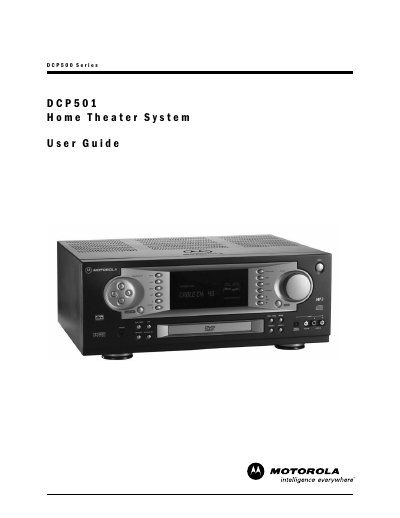
This guide covers safety precautions, proper handling, and installation of the DCP501 Home Theater System. It includes warnings about electric shock, grounding requirements, and environmental considerations such as ventilation and moisture protection.
The manual also details the front and rear panel connections, remote‑control functions, audio and video setup, DVD/CD playback, and troubleshooting. Specifications for the digital cable receiver, A/V amplifier, and DVD/CD player are listed, along with FCC and Canadian compliance information.
| RMS Output Power | 2x100 W (20 Hz‑20 kHz), 5x100 W (1 kHz) |
|---|---|
| Digital Cable Receiver – Clear Analog Video | Yes |
| Audio Frequency Response | 20 Hz‑20 kHz, ±1 dB |
| Video Frequency Response | ±1 dB from 100 kHz to 4.2 MHz |
| Dolby Digital Decoder | 6 channels |
Unplug the product before cleaning, use a damp cloth, and avoid liquid or aerosol cleaners.
Contact your cable system operator or a qualified service person for repair or replacement.
Open the battery compartment on the remote, insert the batteries with correct polarity, and close the compartment.
Connect the antenna lead to a grounding clamp, then to a grounding electrode system as specified by NEC sections 810‑20 and 810‑21.