
The CP100 Commercial Series is a two-way radio with features such as volume adjustment, hands-free use, scanning, cloning, etc.
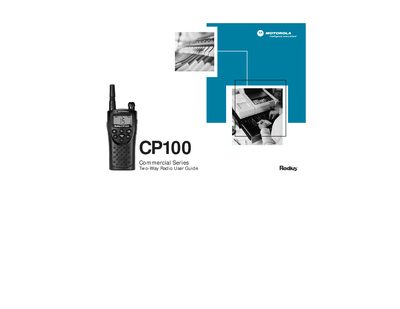
This guide provides safety and regulatory information, including FCC RF exposure requirements and a list of approved accessories. It also covers the contents of the package and how to contact Motorola support.
Detailed sections walk the user through installing the swivel belt holster, battery installation, charging methods, basic operation (power, volume, display, VOX), and advanced programming features such as channel setup, scan lists, and cloning. Troubleshooting tips and warranty details are included at the end.
| IP Rating | IP‑54 |
|---|---|
| Military Specification | MIL‑STD‑810 C, D, E & F |
| Maximum Communication Range | Up to 250,000 sq ft (≈20 floors) or up to 6 mi |
| Transmit Power | 2 W |
| Receiver Sensitivity | -120 dBm for 12 dB SINAD |
| Audio Output Level | 90 dB SPL |
| Battery Life (NiMH) | Approximately 13 hours |
The CP100 supports up to 15 channels; scanning and programming features are limited to 15‑channel models.
The CP100 uses a rechargeable NiMH battery, and can also operate with alkaline batteries.
Yes, the radio is rugged, weather‑dust resistant, and meets an IP‑54 rating for indoor/outdoor coverage.
Yes, 15‑channel models can program channels and use VOX without additional accessories.