
This manual describes the basic functions and operations of the MTP850, including safety information, device overview, key, knob, and button overview, LED status indicator, entering menu items, and returning to the previous level
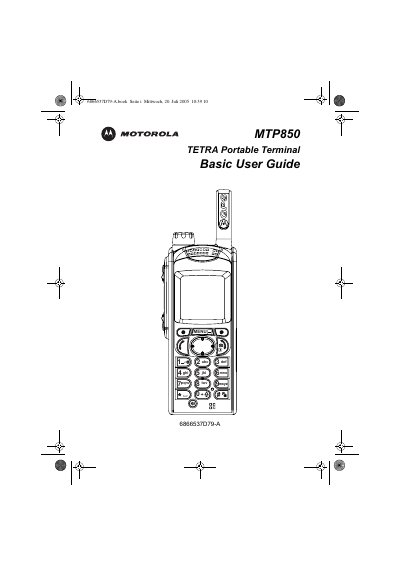
This Basic User Guide introduces the Motorola MTP850 TETRA portable terminal, covering safety information, hardware overview, and the functions of its controls, indicators, and display. It explains how to install the battery, attach the antenna, and power the device on or off.
The manual details menu navigation, making TMO/DMO group calls, private and phone/PABX calls, emergency mode operation, sending status and text messages, and includes a quick reference guide, tips, and tricks for efficient use.
| Display resolution | 130 x 130 pixels |
|---|---|
| Colour depth | 65,536 colours |
Press and hold the On‑Off/End/Home key (or the Emergency button when the unit is off) to power the device on or off.
From the Home display navigate to the desired group, press the Select soft key, then press and hold the PTT button; release to listen.