
This guide explains how to install and connect a Lexmark printer to Ethernet or wireless networks, covering supported operating systems and setup steps.
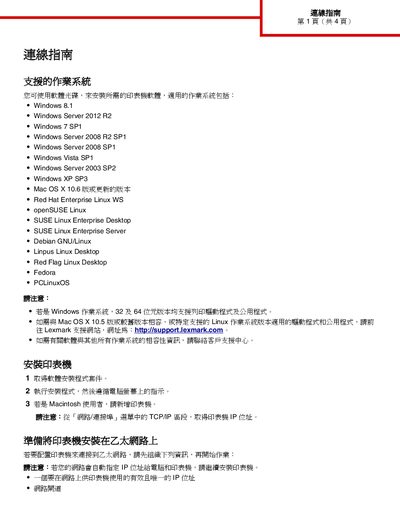
The document provides a list of supported operating systems for Lexmark printer drivers, including various Windows versions, macOS, and several Linux distributions. It also describes how to obtain the printer's IP address from the TCP/IP settings.
Detailed instructions are given for installing the printer on a wired Ethernet network and for configuring wireless connections using the printer's wireless adapter, Wi‑Fi Protected Setup (WPS), PIN method, or the Embedded Web Server. Each method includes the required network information such as SSID, security type, and channel settings. This manual is written in Chinese.
First ensure the printer’s wireless adapter is installed and the access point supports WPS. Then navigate on the printer to Settings → Network/Ports → Wireless → Wi‑Fi Protected Setup and choose the Push‑Button (PBC) method, following the on‑screen prompts to complete the connection.
Open the printer’s control panel, go to Settings → Network/Ports → TCP/IP, and the IP address will be displayed in that section.