
The document is the Setup Guide First Edition (June 1999), which mainly describes the features and characteristics of Lexmark International, Inc.'s products.
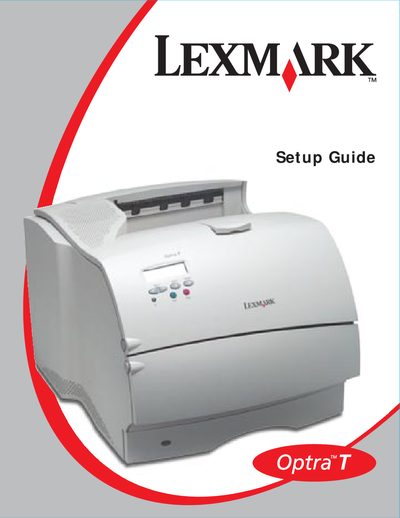
This guide walks you through unpacking the Optra T printer, selecting a well‑ventilated location, and connecting the power cord to a properly grounded outlet. Safety notices address laser radiation, electrical grounding, and the use of genuine Lexmark components.
The document then details the installation order for optional paper trays (250‑sheet, 500‑sheet, 2000‑sheet), the duplex unit and envelope feeder, as well as basic network configuration steps for TCP/IP, Novell NetWare, AppleTalk and OS/2 Warp Server.
| Supported optional paper trays | 250‑sheet, 500‑sheet, 2000‑sheet drawers, duplex unit, envelope feeder |
|---|---|
| Power cord grounding requirement | Must be connected to a properly grounded outlet |
The printer must be connected to an electrical outlet that is properly grounded.
Compatible options are labeled with a colored triangle on the printer.