
This manual introduces the use, maintenance and troubleshooting of the UP-700 POS terminal
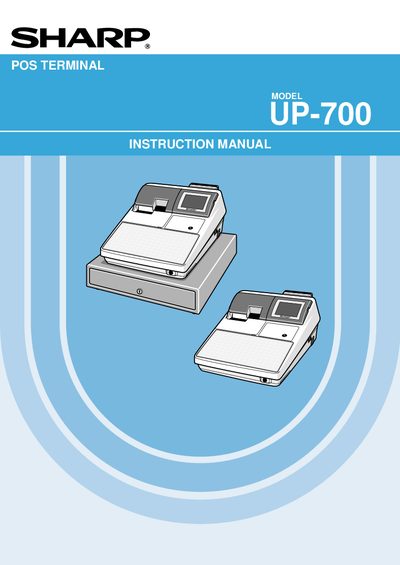
This manual introduces the Sharp UP-700 POS terminal, covering safety precautions, installation requirements, and basic handling. It explains how to power the unit, protect the built‑in battery, and avoid common hazards such as moisture, direct sunlight, and improper cleaning.
The document details the terminal’s functions, including receipt printing, entry modes, manager and clerk operations, programming of keys and reports, and maintenance procedures such as paper handling and error troubleshooting. It also contains wiring instructions for UK installations and environmental disposal guidelines for the battery.
| Product class | Class A |
|---|---|
| Initial battery charge time | 24–48 hours |
| Required fuse rating | 3 A |
| UK mains lead wire colors | Blue = Neutral, Brown = Live |
The battery pack should be recharged for 24 to 48 hours before the terminal is used.
The apparatus must be protected by a 3 A fuse.
Blue indicates the neutral wire and brown indicates the live wire.
Use a dry, soft cloth and never use solvents such as benzine or thinner.