
This manual describes the installation, setup, and usage methods of the UX-355L fax machine.
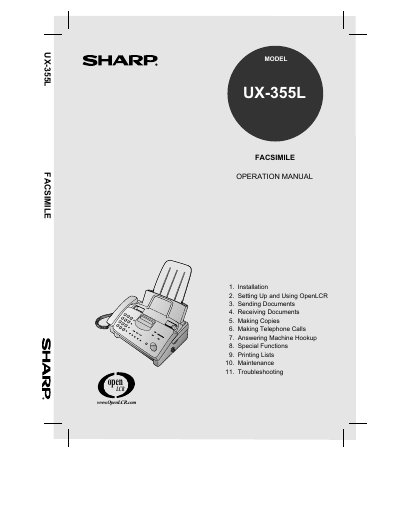
This manual covers the complete setup and use of the Sharp UX-355L facsimile machine. It includes step‑by‑step instructions for installation, configuring OpenLCR, sending and receiving documents, making copies, telephone calls, and connecting an answering machine.
Additional sections detail special functions, printing lists, routine maintenance, troubleshooting, and ordering parts. Safety warnings, FCC regulatory information, and warranty details are also provided.
| Dimensions | Width 13.5", Depth 10.1", Height 7.2" |
|---|---|
| Weight | Approx. 7.7 lbs (3.5 kg) |
| Power requirements | 120 V AC, 60 Hz |
| Power consumption | Standby 4.0 W, Maximum 100 W |
| Operating temperature | 41 – 95 °F (5 – 35 °C) |
| Memory size | 476 KB (≈27 pages) |
| Modem speed | 14,400 bps |
| Automatic document feeder capacity | 10 pages max |
| Paper tray capacity | Letter 60 sheets, Legal 30 sheets |
| Resolution (horizontal) | 203 pels/inch |
The warranty covers 90 days parts and labor from the date of purchase.
The automatic document feeder can hold up to 10 pages.
It requires 120 V AC at 60 Hz.
The machine has 476 KB of memory, roughly 27 average pages.