
This manual is the English instruction manual for the SHARP Scientific Calculator Model EL-W531/W531G/W531H/W531HA/W535
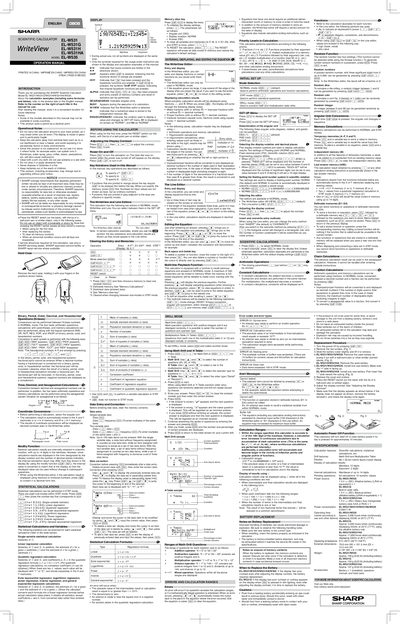
This Sharp manual provides step‑by‑step instructions for using the EL‑W531 series scientific calculators (EL‑W531, EL‑W531G, EL‑W531H, EL‑W531HA, EL‑W535). It includes safety notes, basic operation, display settings, and detailed explanations of functions such as N‑base conversions, statistical calculations, and the WriteView/Line editors.
The guide also describes how to reset the device, adjust contrast, manage memory, and perform statistical and drill modes. Important warnings about battery handling, water exposure, and data loss are included, along with service information for authorized Sharp repair centers.
| Maximum characters stored in memory | 340 characters |
|---|---|
| Maximum data items in STAT mode | 100 items |
| Decimal point character | Period (.) |
Press the RESET switch on the back with the tip of a ball‑point pen or similar object.
The calculator can store up to 340 characters in its memory.
You can enter up to 100 data items in STAT mode.