
This document is an instruction manual for the SHARP ER-A410/A420 model electronic cash register. The manual includes installation and usage precautions, as well as features and functions of the product. Please read this manual carefully to fully understand how to operate the machine and troubleshoot any operational issues.
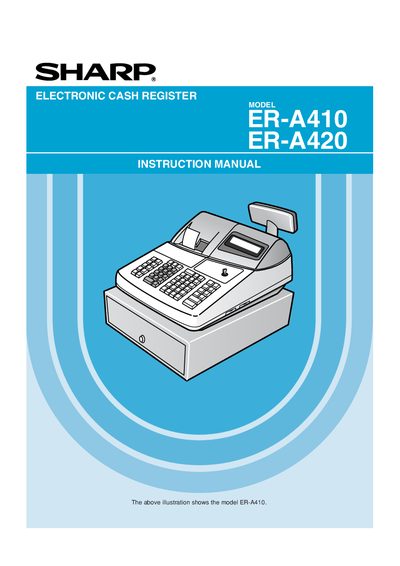
This manual introduces the Sharp ER-A410/ER-A420 electronic cash register, covering installation, safety precautions, and basic operation. It includes detailed programming instructions for pricing, tax rates, departments, and cashiers, as well as procedures for reading reports and resetting totals.
The document also contains reference sections on the external view of the units, keyboard layout, key functions, display types, and optional features such as RS‑232C interface and power‑saving mode, helping users configure the register to match their business needs.
Install the register in a location that is not subject to direct sunlight, temperature changes, high humidity, water, heat, or magnetic sources.
Recharge the built‑in memory protection batteries for 24 to 48 hours before using the register.