
This document is the instruction manual for the SHARP XE-A206 electronic cash register. The document provides a user guide, FCC regulations, and warnings and cautions regarding the operation of the cash register.
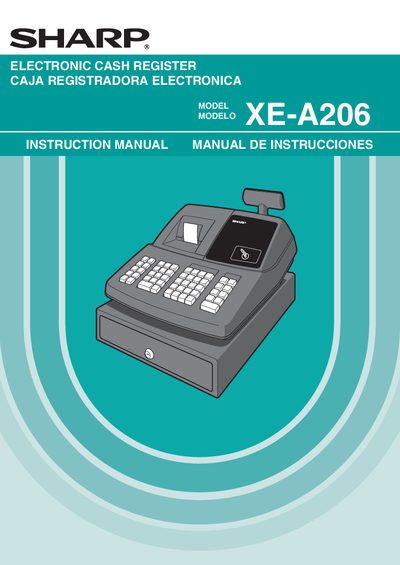
This manual covers the complete setup of the Sharp XE‑A206 cash register, including installation of batteries, power connection, and initialisation. It explains the functions of each part, such as the thermal printer, display, and drawer lock, and provides step‑by‑step instructions for daily sales entry, programming, and optional features.
Additional sections describe advanced programming, use of an SD memory card, troubleshooting error codes, and routine maintenance. Technical specifications, safety warnings, and warranty information are also included to help users operate the register safely and efficiently.
| Model | XE-A206 |
|---|---|
| Dimensions | 13.8 (W) x 16.9 (D) x 11.1 (H) in. |
| Weight | 17.6 Ib (8 kg) |
| Power source | 120V AC ± 10%, 60 Hz |
| Power consumption | Stand‑by 7.7 W, Operating 28 W (max.) |
| Printer type | One‑station thermal printer |
| Printing speed | Approx. 12 lines/second |
Install three new alkaline AA (LR6) batteries as shown; the low‑battery indicator will disappear once they are correctly installed.
The register operates from a 120 V AC ± 10 % supply at 60 Hz.
Use only the USB cable manufactured by Sharp (part code 0GS5422580) that is supplied with the XE‑A206.
Insert the manager key, turn the mode switch to REG, plug in the AC cord (without batteries), and listen for three buzzer tones; the display will show 0.00 when initialization is complete.