
MOTOROLA BRAVO TM with MOTOBLUR TM de AVO TM is a phone with MOTOBLUR operating system, featuring a touchscreen and three simple keys. It supports 3G network and has features like browser, market, microphone, and more. Users can automatically switch to vibrate mode, input text, and use voice input for searching.
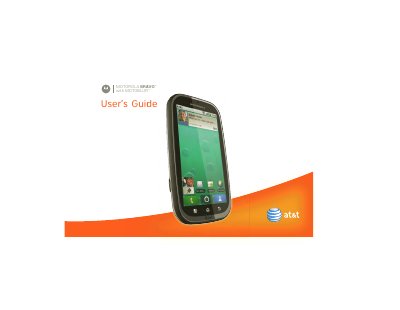
This guide walks you through the initial device setup, including creating or logging into a MOTOBLUR account, charging the phone, and navigating the touchscreen with the Menu, Home, and Back keys. It also explains how to customize widgets, manage contacts, and use the various built‑in apps.
Further sections cover making and receiving calls, using voicemail, configuring speed dial, and accessing features such as Wi‑Fi, Bluetooth, and DLNA. The manual includes security tips, warranty information, and troubleshooting advice to help you get the most out of your Motorola Bravo with MOTOBLUR.
Press and hold the Power button, select a language, then log in or register by entering your name, email address, and a password.
Touch the Mute button on the call screen.
The product ID is listed as MOTOROLA BRAVO with MOTOBLUR (MB520).