
This manual describes the installation and configuration of the Philips Pronto TSU9800 Home Theater Control Panel.
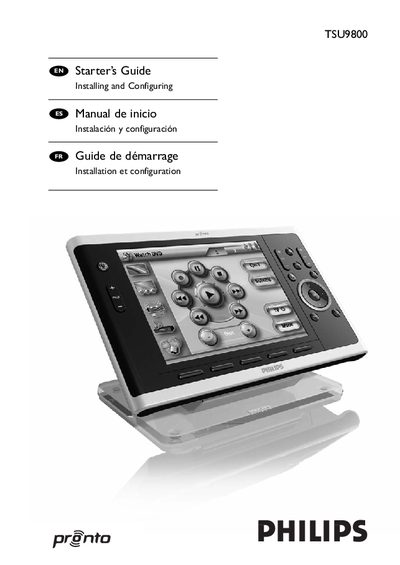
This guide walks you through unpacking the Pronto Control Panel, charging the battery, and installing the ProntoEdit Professional software. It also covers preparing the panel for configuration, customizing projects, and downloading them to the device.
Further sections explain mounting options for surface or wall installation, battery replacement, troubleshooting, key combinations, and includes a specifications summary. Additional resources such as online help and extender configuration guides are referenced.
| Battery type | Lithium‑ion |
|---|---|
| Charging time | up to 4 hours |
Charging the control panel can take up to 4 hours.
Set the switch at the back of the docking station to ‘Off’.
Updates are available on the Philips Pronto website in the Downloads section.