
This user manual introduces the basic functions and usage methods of the LFH3200/LFH3205/LFH3300 series SpeechMike microphones, including installation, recording creation, barcode scanning, etc.
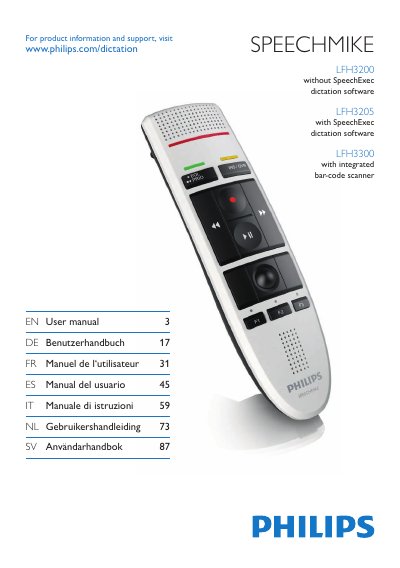
The Philips SpeechMike LFH3200 is a USB‑connected dictation microphone designed for professional speech‑to‑text applications. The manual provides an overview of the device, its key controls, and optional bar‑code scanner for the LFH3300 variant.
Installation steps cover driver installation, USB connection, and software setup, while usage sections detail recording, playback, and customizing key functions through the Device Control Center software. Safety, cleaning, and regulatory information are also included.
| Product dimensions (W × D × H) | 45 × 165 × 30 mm |
|---|---|
| Weight | 0.112 kg |
| Cable length | 3 m |
| Connectivity | USB: Mini‑USB 2.0 |
| Microphone type | Electret condenser |
| Microphone frequency response | 100–7500 Hz |
| Microphone sensitivity | -37 dBV |
| Speaker type | Built‑in round, dynamic |
| Speaker output power | > 200 mW |
| Signal‑to‑noise ratio | > 70 dBA |
| System requirements – Processor | Pentium III, 500 MHz (or Pentium IV 1 GHz recommended) |
Using certain USB hubs with the SpeechMike can cause the OS to hang; unplug the device before starting the PC and reconnect it afterwards, or connect directly to a USB port.