
This document introduces the use methods, setting methods and function introduction of the Philips printer
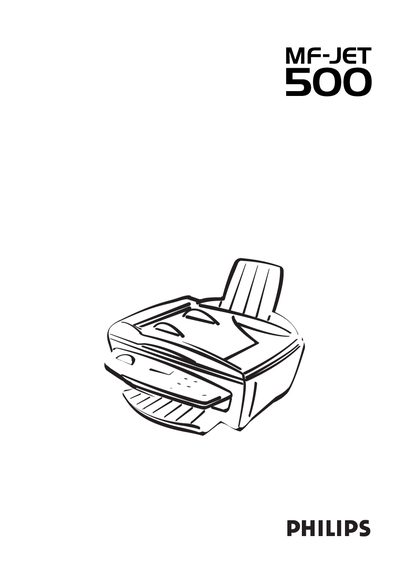
This manual covers all safety precautions for the MF-JET 500, including placement, power‑supply use, and handling of the device to prevent injury or damage. It also details the unpacking process, paper loading, cartridge installation, and connection of telephone and power cables.
Operating instructions describe how to use the fax, SMS, and scanning functions, adjust settings such as resolution and contrast, and perform maintenance tasks. Technical data, warranty information, and regulatory compliance details are provided in the final sections.
| Paper size | A4 (210 × 297 mm) |
|---|---|
| Paper capacity | Up to 100 sheets |
| Compliance | EN 60950 / IEC 60950 |
| Power supply | Only the included power supply may be used |
| Cartridge capacity | Two free test cartridges included |
The paper tray can hold up to 100 sheets of paper.
Connect the telephone cable to the socket labelled LINE on the back of the machine before connecting any other devices.