
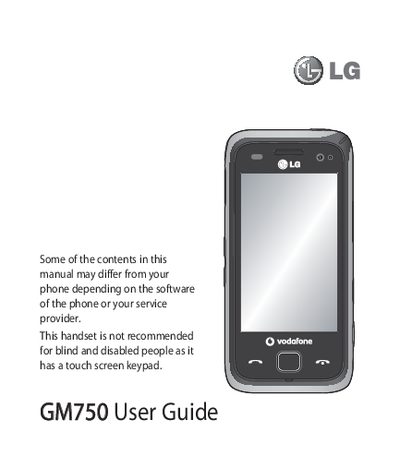
LG GM750 User Guide

LG GM750 User Guide


LG GM750 User Guide - cover page
Brand
LG
Category
Cell Phones
Document type
User Manual
Language
English
Pages
130
File format
PDF
File size
5.7 MB
Published
03 May, 2012
Updated
30 September, 2023
Model
GM750
MD5 checksum
9EB2669D8BDFB48184FC93EC22EA9E94

About this manual

This guide covers safety and disposal information, basic phone handling, and step‑by‑step instructions for installing the USIM card, battery, and memory card. It also explains how to navigate the touch screen, customize the home screen, and use multitasking functions.

Further sections detail messaging, email setup, camera and video recording, multimedia playback, web browsing, Bluetooth and Wi‑Fi connectivity, and troubleshooting tips for common issues.

What's inside

  • Guidelines for safe and efficient use
  • Getting to know your phone
  • Installing the USIM and battery
  • Using the Touch screen
  • Messaging and email
  • Camera and video
  • Multimedia and music
  • Connectivity (Bluetooth, Wi‑Fi)
  • Troubleshooting

Frequently asked questions

How do I install the USIM card and battery?

The guide includes a section titled "Installing the USIM and battery" that walks you through the installation steps.

How can I enable Bluetooth on the LG GM750?

Turn on Bluetooth from the settings menu as described in the guide.

What safety warnings are provided for the LG GM750?

The manual warns not to use the handset while driving, refuelling, near magnetic media, or in hazardous environments.

Download PDF (5.7 MB)

More LG Manuals


View all LG manuals →