
This document introduces the Bluetooth function of LG KEYBO phone, including supported Bluetooth protocols, pairing methods, connection methods and so on.
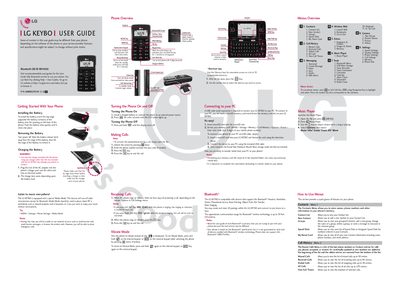
This guide covers the basics of using the LG KEYBO mobile phone, including how to install and remove the battery, charge the device safely, and turn the phone on and off. It also explains the layout of the phone’s keys, LCD screen, and external ports.
Additional sections describe how to make and receive calls, use the Media Mode, connect to a PC via USB, pair Bluetooth devices, navigate the phone’s menus, and follow safety recommendations for RF exposure and use in restricted areas.
| Bluetooth QD ID | B014326 |
|---|---|
| Part Number | MMBB0293301 (1.0) |
| microSD Card Capacity | Expandable to 8 GB |
| Bluetooth Range | Up to 30 feet (10 meters) |
Insert the top edge of the battery into the opening on the back of the phone and push it down gently until it clicks into place.
The Bluetooth connection works up to about 30 feet (10 meters) from the phone.