
Key facts
- Brand
- LG
- Model
- GM750
- Industry
- Electronics
- Documents
- 2
- Languages
- EN · ZH
- Last added
- 2012-05-03
Start here
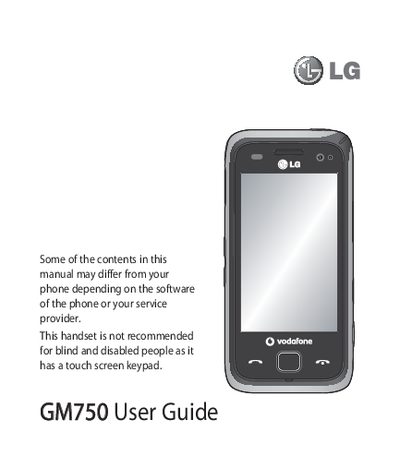
LG GM750 User Guide
This guide covers safety and disposal information, basic phone handling, and step‑by‑step instructions for installing the USIM card, battery, and memory card. It also explains how to navigate the touch screen, customize the home screen, and use multitasking functions.
Further sections detail messaging, email setup, camera and video recording, multimedia playback, web browsing, Bluetooth and Wi‑Fi connectivity, and troubleshooting tips for common issues.
All LG GM750 documents by type
Day-to-day operation, settings and troubleshooting. Start here if the product is already set up.
- LG GM750 User Guide 130 p
- LG GM750 User Manual 108 p
Questions answered in these manuals
How do I install the USIM card and battery?
The guide includes a section titled "Installing the USIM and battery" that walks you through the installation steps.
From: LG GM750 User Guide
How can I enable Bluetooth on the LG GM750?
Turn on Bluetooth from the settings menu as described in the guide.
From: LG GM750 User Guide