
This document is the user manual of LG-E720b phone, which introduces the basic functions and usage methods of the phone.
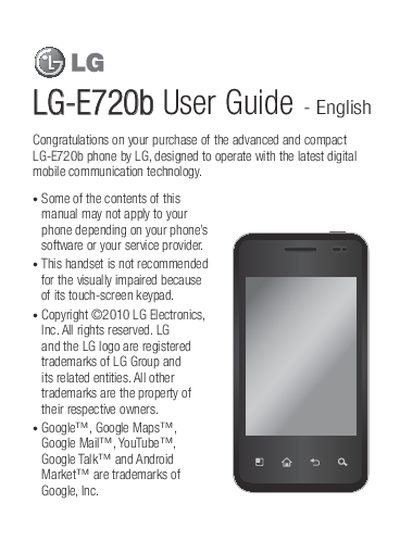
This guide covers everything from initial setup, SIM and battery installation, to detailed instructions for using the touchscreen, camera, multimedia, and Google applications. It also includes sections on managing phone memory, optimizing battery life, and configuring Wi‑Fi and other network settings.
The manual finishes with troubleshooting tips, safety guidelines, and a limited warranty statement for the LG E720b handset sold in Canada.
Open Settings > About phone > Status; the battery status and level are displayed at the top of the screen.
If you have a Google account linked, tap the Forgot pattern button and sign in; otherwise you must perform a factory reset.