
This manual provides detailed instructions on how to use the Canon LV-7265/LV-7260/LV-X7 projector, including installation, operation, and maintenance.
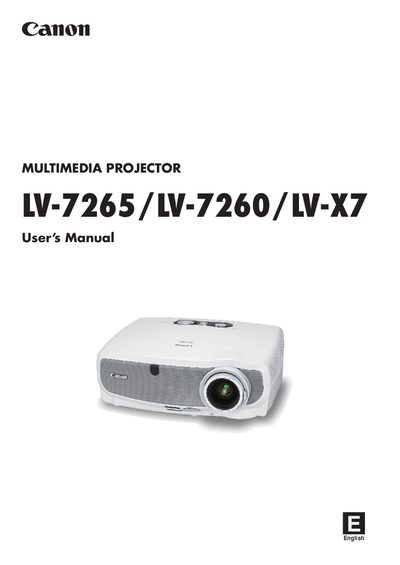
This manual covers important safety information, lamp handling precautions, and environmental requirements for the Canon LV‑7265, LV‑7260 and LV‑X7 projectors. It explains how to install the unit, connect video sources, and set up the screen and throw distance for optimal image quality.
Operating instructions include turning the projector on and off, selecting sources, adjusting picture size and position, correcting keystone distortion, and using the remote control. The appendix provides a troubleshooting form for reporting problems and recording usage data.
| Operating temperature | +5°C to +40°C |
|---|---|
| Storage temperature | -10°C to +50°C |
| Power supply | 100‑240V AC 50/60 Hz |
| Sound pressure level | < 70 dB(A) |
Replace the lamp when the lamp‑indicator blinks red rapidly or the message “Replace with the new lamp.” appears, following the instructions on page 57.
The projector should be used in an environment between +5 °C and +40 °C.