
This file is a camera user guide, which introduces the camera's components, basic operations, commonly used shooting functions, shooting modes, various shooting methods, playback/erasing, print settings/transfer settings, connecting to a TV, troubleshooting and message list.
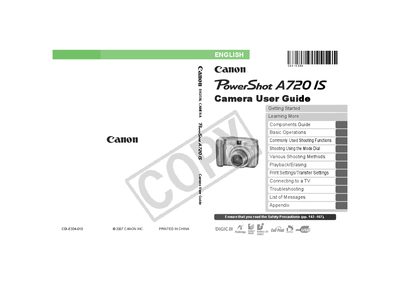
This guide walks you through getting started with the PowerShot A720 IS, including checking the package contents, preparing the camera, and learning basic operations such as shooting still images, movies, and using the mode dial. Detailed sections explain common shooting functions, playback, erasing, and how to print or transfer images to a TV or computer.
Additional chapters cover safety precautions, battery handling, memory‑card usage, connecting accessories, and a troubleshooting list with error messages. An appendix provides reference tables and specifications for the camera.
| Battery Type | AA Alkaline Batteries (x2) |
|---|