
This is a user manual for CANON digital camera, which describes how to use the camera to shoot, play, delete, print, transfer photos, etc.
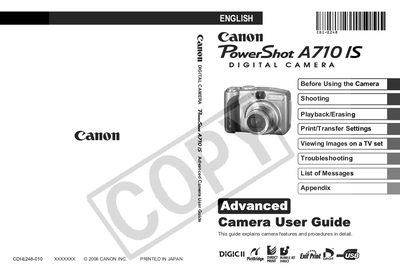
This guide provides detailed instructions for operating the Canon PowerShot A710 IS digital camera, covering basic setup, shooting functions, playback, and printing. It includes safety precautions, menu navigation, and tips for using accessories such as lenses and external flashes.
The manual also contains troubleshooting information, battery handling, memory‑card usage, and a specifications section for quick reference on the camera’s capabilities.
| Optical Zoom | 6x |
|---|---|
| Image Stabilizer | Shift‑method |
| Supported Memory Cards | SD, SDHC, MultiMediaCards |
Press the Print/Share button to transfer recorded images to a computer.
The camera works with SD, SDHC and MultiMediaCards.
Select the Image Stabilizer function in the menu to reduce camera shake.
Yes, use the Print/Share button with a PictBridge‑compatible printer.