
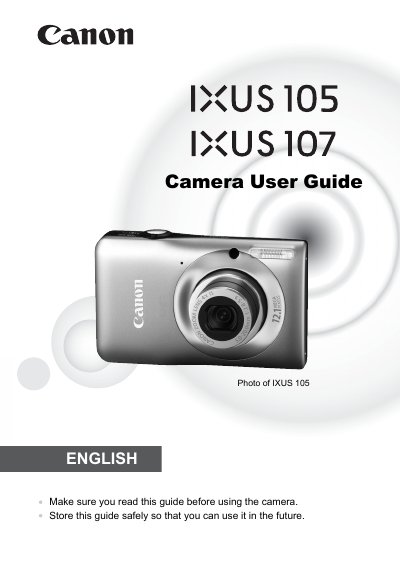
This Camera User Guide from Canon explains how to use the IXUS 105 and IXUS 107 digital cameras. It starts with the basics: checking the package contents, charging the battery, inserting the battery and memory card, setting the date and time and display language, formatting memory cards and pressing the shutter button. Later chapters move on to shooting in special conditions, commonly used functions and choosing settings yourself, followed by playback, printing, movie functions and customizing camera settings. A final section gives troubleshooting tips, on-screen messages, menus, handling precautions and specifications.
The guide uses icons for the camera buttons and switches, shows screen language in square brackets and refers to other pages with page numbers. It also refers readers to the Personal Printing Guide and the Software Guide on the DIGITAL CAMERA Manuals Disk for printing and computer use, and states that a memory card is not included with the camera.
No. The guide states that a memory card is not included with the camera package.
The package includes the Battery Pack NB-6L with terminal cover and the Battery Charger CB-2LY/CB-2LYE.
Do not use organic solvents such as alcohol, benzine or thinner to clean the equipment.