
This document describes how to update the encryption format of Samsung SecretZone Secure Drive to improve encryption security.
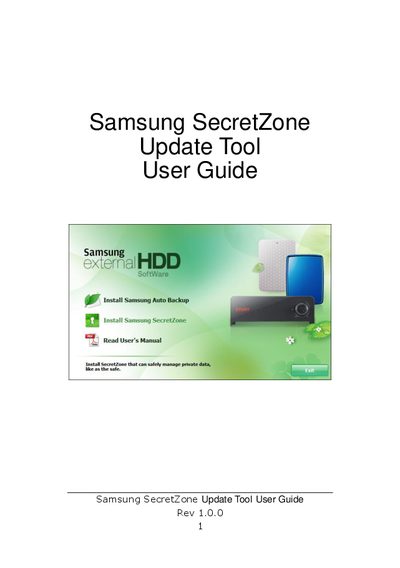
The Samsung SecretZone Update Tool helps you convert existing Secure Drive images to the newer encryption format used by SecretZone v2.1.600. Before using older images, they must be converted with this tool.
The guide walks you through launching the tool, selecting a user and image, entering passwords, and completing the conversion. After conversion, the updated image can be loaded in the latest SecretZone version, where you will re‑enter the password to access the data.
| Supported file type | *.msr |
|---|---|
| Software version | v2.1.600 |
It supports volume image files with the .msr extension only.
Older Secure Drive images must be converted with the Update Tool to the new encryption format.
The tool terminates and the converted Secure Drive image is ready for use with the latest SecretZone version.
Yes, after launching the new SecretZone version you will be prompted to re‑enter the password.