
This user manual provides guidance on the functions and features of the SGH-U900 mobile phone. It highlights that certain contents may vary based on the phone's software or region.
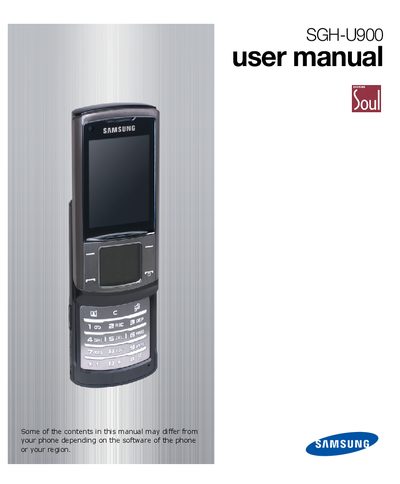
This manual provides step‑by‑step instructions for assembling, preparing, and using the Samsung SGH‑U900 mobile phone. It covers safety information, SIM/USIM installation, battery charging, and basic operations such as making calls, sending messages, and using the camera.
Advanced sections explain Bluetooth data transfer, multimedia creation, alarm and timer settings, RSS reader usage, and troubleshooting tips. An index at the end helps locate topics quickly.
Select the “Make a voice Call” option from the phone menu.
Choose “Add a New Contact” from the contacts menu and enter the details.
Open the timer function and select “Set a countdown timer”.
Enable Bluetooth, pair with the target device, then choose “Send data using the Bluetooth wireless feature”.