
This manual is the User Guide for SBG900 Wireless Cable Modem Gateway. It covers the basic configuration, installation, troubleshooting for the gateway.
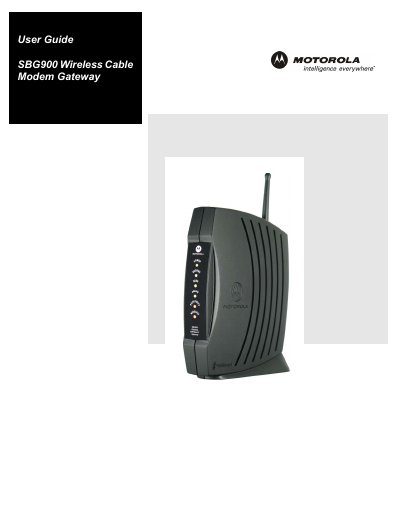
The SBG900 is a combined cable modem, wireless access point, Ethernet router and firewall designed for home and small‑office networks. It connects computers to the Internet via a cable TV system and supports both wired and wireless LAN connections.
The guide covers easy setup, network connection types, security features (firewall, VPN, DMZ), wireless LAN configuration, Ethernet and USB interfaces, troubleshooting steps, and detailed specifications of the device.
| Wireless Standards | IEEE 802.11, IEEE 802.11b, IEEE 802.11g |
|---|---|
| Data Rate | Up to 54 Mbps (OFDM) |
| Transmit Power | 17.5 dBm (EIRP) |
| Input Voltage | 100‑240 VAC, 50‑60 Hz |
| Power Consumption | 5 W |
| Operating Temperature | 0 °C to 40 °C |
| Dimensions | 47 mm W × 149 mm D × 218 mm H |
| Weight | 485 g (15.6 oz) |
Do not expose the unit to rain or moisture, ensure it is grounded, use only the supplied power and interface cables, and follow local wiring codes.
Reorient or relocate the receiving antenna, increase the separation between the equipment and the receiver, or connect the equipment to a different circuit.
The gateway supports WPA, WEP, and MAC access control list configuration for wireless security.