
This manual introduces the operating methods of the CASIO watch 4725, including how to set the date, timer, etc.
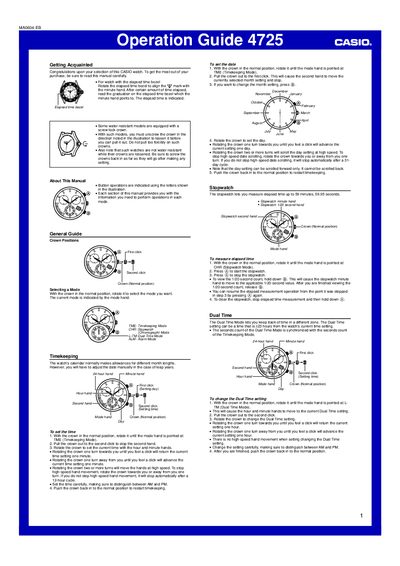
This guide introduces the Casio 4725 watch, covering crown positions, mode selection and basic operation. It explains how to set the time, date, dual‑time, alarm and how to use the stopwatch.
Detailed procedures are provided for adjusting hand and date home positions, using the elapsed‑time bezel, and troubleshooting common issues. The manual includes step‑by‑step instructions with crown clicks and button presses.
| Stopwatch measurement range | up to 59 minutes, 59.95 seconds |
|---|---|
| Alarm tone duration | 15 seconds |
Rotate the crown to the Timekeeping mode, pull it out to the second click, then rotate the crown to set hour and minute; push the crown back in to restart timekeeping.
Select Alarm mode, pull the crown to the first or second click, then press the button (marked @) to toggle the alarm on or off.
The alarm tone sounds for 15 seconds regardless of the watch’s current mode.
Enter Stopwatch mode, pull the crown to the first click, then use the button to set hour, minute, second, 24‑hour and function hands to their home positions; push the crown back in when finished.