
This document describes the features and characteristics of CASIO watches, as well as important information before use, such as charging and battery usage.
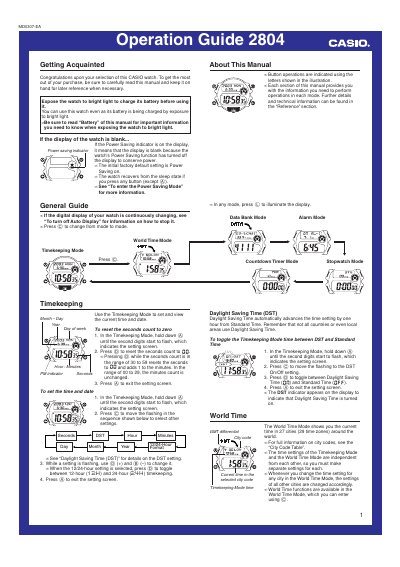
This guide covers the basic operation of the Casio 2804 watch, including Timekeeping Mode, World Time Mode, Data Bank Mode, Alarm Mode, Stopwatch Mode and Countdown Timer Mode. Each section provides step‑by‑step instructions for setting and adjusting the watch’s functions.
Additional sections describe the backlight, solar charging, rechargeable battery maintenance, power‑saving modes and safety precautions. The manual also includes reference tables for city codes, character input and battery level indicators.
| Battery type | ML-2016 (CASIO‑specified) |
|---|---|
| Data Bank capacity | 30 records |
| Maximum alarms | 5 independent alarms |
| Stopwatch display range | 23 h 59 m 59.99 s |
| Countdown timer range | 1 s to 24 h |
| Backlight type | EL (electro‑luminescent) panel |
| Solar charging | Integrated solar cell |
Press the D button in any mode to illuminate the display for about two seconds.
The watch can store up to five independent alarms.
Use a CASIO‑specified ML‑2016 rechargeable battery.