
This document describes the features and characteristics of the CASIO 140CR electronic cash register, including its simplicity, 20 departments and 120 PLUs, automatic tax calculations, and calculator function.
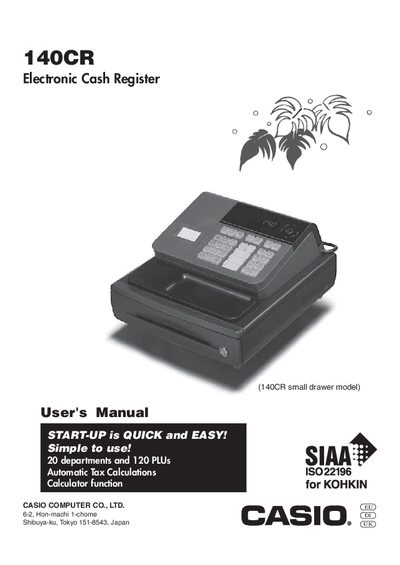
This manual introduces the Casio 140CR electronic cash register, covering quick start operation, basic programming, and daily job flow. It explains how to initialize the register, load paper, set up basic functions, and use the built‑in calculator.
Additional sections cover convenient advanced programming, various operations, a calculator mode, useful information such as troubleshooting tips, specifications, and a list of basic components and accessories.
| Number of departments | 20 |
|---|---|
| Maximum PLUs | 120 |
| Tax calculation | Automatic |
| Calculator function | Included (KOHKIN) |
The register supports up to 20 departments.
It can store up to 120 PLUs.
Yes, it includes a calculator function for KOHKIN.
Troubleshooting is covered in the "Useful Information" section of the manual.