
This document is the user manual of CASIO PCR-T275 electronic cash register, which introduces the characteristics and usage of the cash register.
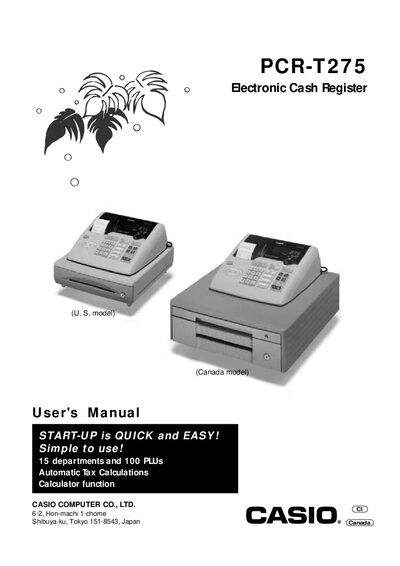
This manual guides users through the installation, quick‑start setup, and everyday operation of the Casio PCR‑T275 electronic cash register. It includes safety precautions, power requirements, cleaning instructions, and detailed descriptions of the display, keyboard, and printer functions.
The document is organized into quick‑start procedures, convenient programming options, a calculator function, and a useful information section containing troubleshooting tips, technical specifications, and warranty details. It also provides contact information for authorized service centers and programming assistance.
| Input method | 10‑key system, 16‑key buffer memory |
|---|---|
| Display digits | 8 digits (zero suppression) |
| Printer receipt digits | 24 digits |
| Paper roll size | 58 mm × 80 mm |
| Operating temperature | 32°F to 104°F (0°C to 40°C) |
| Operating humidity | 10% to 90% |
Set the mode switch to OFF, plug the power cord into an AC outlet, load the memory‑protection batteries, then set the mode switch to REG.
Pull the drawer release lever; ensure the drawer lock key is not engaged. If the problem persists, contact the dealer or service center.