
This document is the quick start guide of M52233DEMO, which introduces the usage of M52233DEMO, including installing CodeWarrior, connecting the board, turning on the power, and configuring Hyper-terminal.
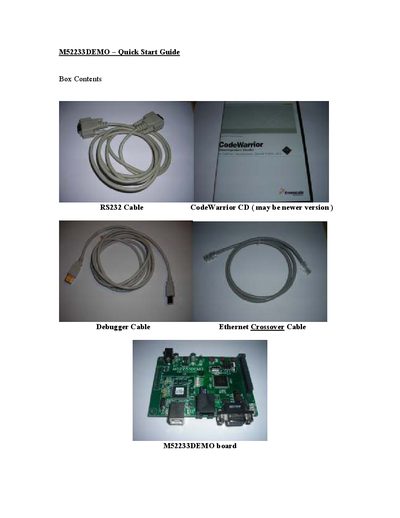
The guide walks you through getting the M52233DEMO board ready for development. It starts with installing the Freescale CodeWarrior IDE from the supplied CD, then verifies that the board jumpers and power switch are correctly set.
Next, it explains how to power the board via USB, configure HyperTerminal with the required serial settings, and connect the RS232 cable. LED indicators are described to confirm successful power‑up and communication.
| Power‑selection jumper | VB |
|---|---|
| Power switch state | ON |
| HyperTerminal settings | 115200 baud, 8 data bits, no flow control, 1 stop bit |
Insert the CodeWarrior CD, select “Launch the Installer”, and follow the typical installation directions.
Set the connection to 115200 baud, 8 data bits, no flow control, and 1 stop bit.