
This document is a guide for NVIDIA RAID installation, which explains how to configure RAID functions in the BIOS environment and provides examples of using the NVIDIA RAID Utility to create RAID arrays.
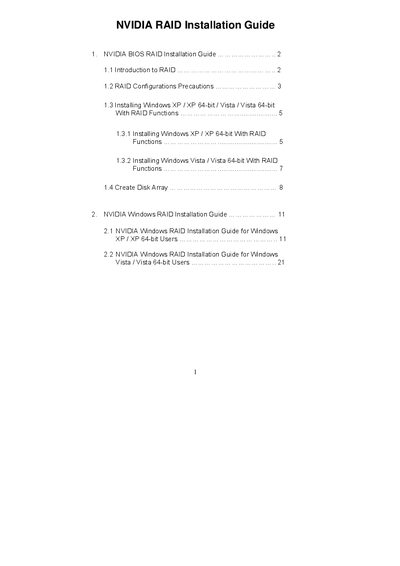
The NVIDIA RAID Installation Guide provides step‑by‑step instructions for setting up RAID on motherboards with SATA/SATAII ports. It covers BIOS configuration, creating RAID 0, RAID 1, RAID 0+1, JBOD, and RAID 5 arrays, and includes important precautions such as using identical drives and backing up data before creation.
The document also details the process for installing Windows XP, Windows Vista, and their 64‑bit versions with RAID drivers, including BIOS settings, driver diskette creation, and loading the NVIDIA RAID driver during OS setup. Additional sections cover the MediaShield setup wizard and final partitioning steps.
| RAID IDE ROM BIOS version | 4.81 |
|---|
Enter the BIOS Setup Utility, go to the IDE Configuration screen, and set the “SATA Operation Mode” option to [RAID].