
Introduce the features and characteristics of the Philips 9750 product, including model, brand, appearance, product functions, etc.
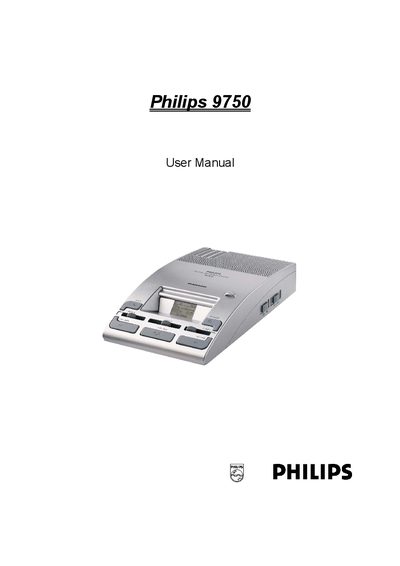
This manual introduces the Philips 9750 digital dictation system, describing its features, package contents, and basic operation steps such as powering on, inserting a memory card, and navigating the menu. Detailed instructions cover recording, playback, voice‑activated recording, and using accessories like microphones and the foot control.
Advanced functions include index marks, keyword management, and data transfer to a PC via USB. The troubleshooting section helps resolve common issues, and the index provides quick reference to all topics.
| Supported memory card types | MMC or SD |
|---|---|
| Maximum memory card capacity | up to 1 GB |
| Recording time (32 MB MMC, SP format) | ≈312 minutes |
| Recording time (32 MB MMC, LPm format) | ≈468 minutes |
| LCD display | high‑quality graphical LCD with backlight |
| USB connection | USB socket for PC download |
| Power supply | 12 V DC |
| Foot control model | LFH 0210 |
| Supported Philips microphones | LFH 276/10, LFH 278/10 |
| Supported Philips conference microphone | LFH 172 |
The device works with MMC or SD cards, supporting capacities up to 1 GB.
It provides about 312 minutes of recording time in SP format.
Insert the card, then when the formatting screen appears, press the DELETE button for at least two seconds.
Philips microphones LFH 276/10, LFH 278/10, and the Philips conference microphone LFH 172 can be used.