
This document is the usage guide for Sony DSC-R1, introducing the external features of the camera and some operating instructions.
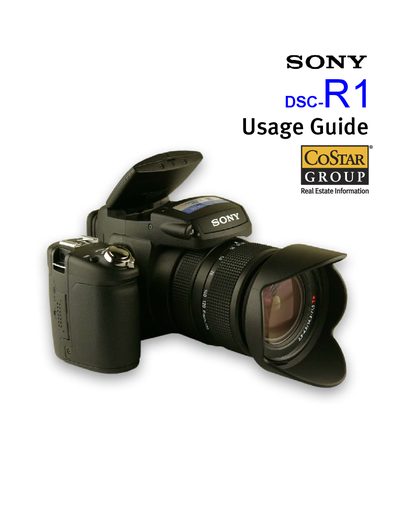
The Sony DSC-R1 Usage Guide provides a concise reference for the camera’s main functions, including the Main Command Dial, Mode Dial, Focus Switch, and various buttons. It explains how to operate the LCD screen, electronic viewfinder, and other accessories such as the lens hood and external flash.
The guide also details menu settings for recording and setup, showing how to adjust image size, picture effects, ISO, and other parameters using the Multi‑Selector. Technical specifications and battery information are listed at the end for quick reference.
| Sensor | 1/1.6" 10.3 MP CMOS sensor (21.5 × 14.4 mm) |
|---|---|
| Aperture range | F2.4‑F4.8 (minimum F16) |
| Shutter speed | 30 – 1/2000 sec (Bulb up to 3 min) |
| LCD | 2.0‑inch TFT, 134 k pixels, free‑angle |
| Battery | NP‑FM50 InfoLithium rechargeable battery |
| Weight | 2 lb 8 oz (926 g) body only |
| Dimensions (W × H × D) | 5 ½" × 3 ⅞" × 6 ¼" (139.4 × 97.7 × 156 mm) |
Use the Display Mode Switch to choose LCD, EVF, or automatic switching based on eye detection.
Press the Multi‑Selector and rock it right to open the Setup Menus, then rock left to adjust recording parameters.
The camera uses an NP‑FM50 InfoLithium rechargeable battery.
Open the CF Card Tool menu and select Format.