
Mobile Broadband PC Card PC300 HSDPA/UMTS/EDGE User Guide, providing an overview of the hardware and software of the product, as well as network and subscription requirements.
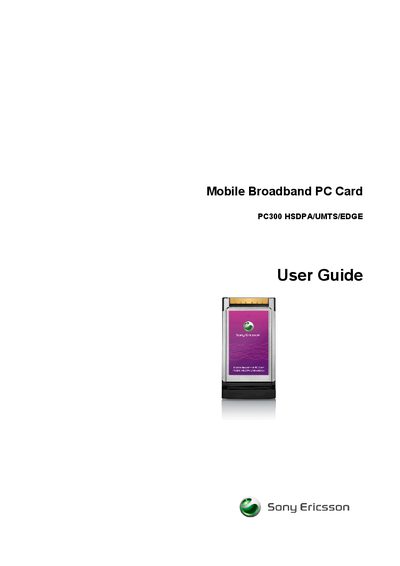
This guide introduces the Sony Ericsson PC300 Mobile Broadband PC Card, describing its supported communications services, download and upload speeds, and the requirements for use. It also lists the contents of the package and outlines the steps needed to get the device up and running.
The manual details the hardware layout, including the standard 32‑bit CardBus form factor, the external MMCX antenna connector, and the protective case. It explains how to attach or detach the optional GCA‑14 antenna, how to manage power and turn the card off via software, and provides safety, warranty, and regulatory information.
| Operating voltage | 3.3 V |
|---|---|
| Form factor | Standard 32‑bit CardBus PC Card |
Open the antenna connector door, plug the GCA‑14 antenna into the MMCX connector, and close the door.
The box contains the PC300 Mobile Broadband PC Card, a protective case, a Quick Start Guide, and a CD‑ROM with drivers and documentation.